Hands-on work I've taken on outside my job, which gives me more practice planning, building and troubleshooting a system from start to finish. These projects use the same methods I rely on at work: check compatibility, change one thing at a time, and test the result.
Custom Desktop Builds
Assembled custom desktops from bare components, configuring motherboards, CPUs, high-end GPUs and modular power supplies into complete working systems.
A build starts with checking compatibility and ends with first boot, firmware setup, driver installation and testing. Routing cables well also helps airflow and makes later service easier. The photos are of my own full-ATX build.
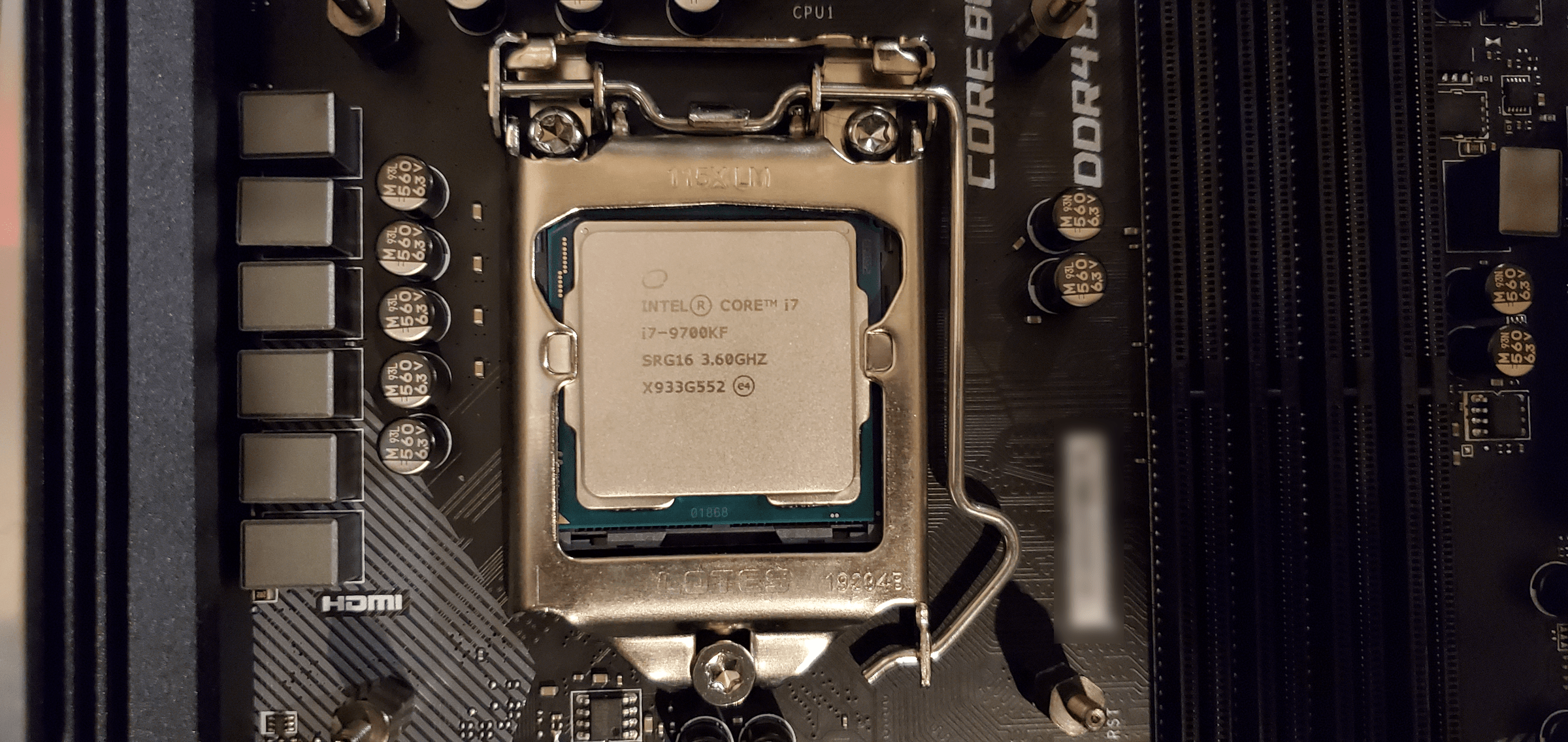
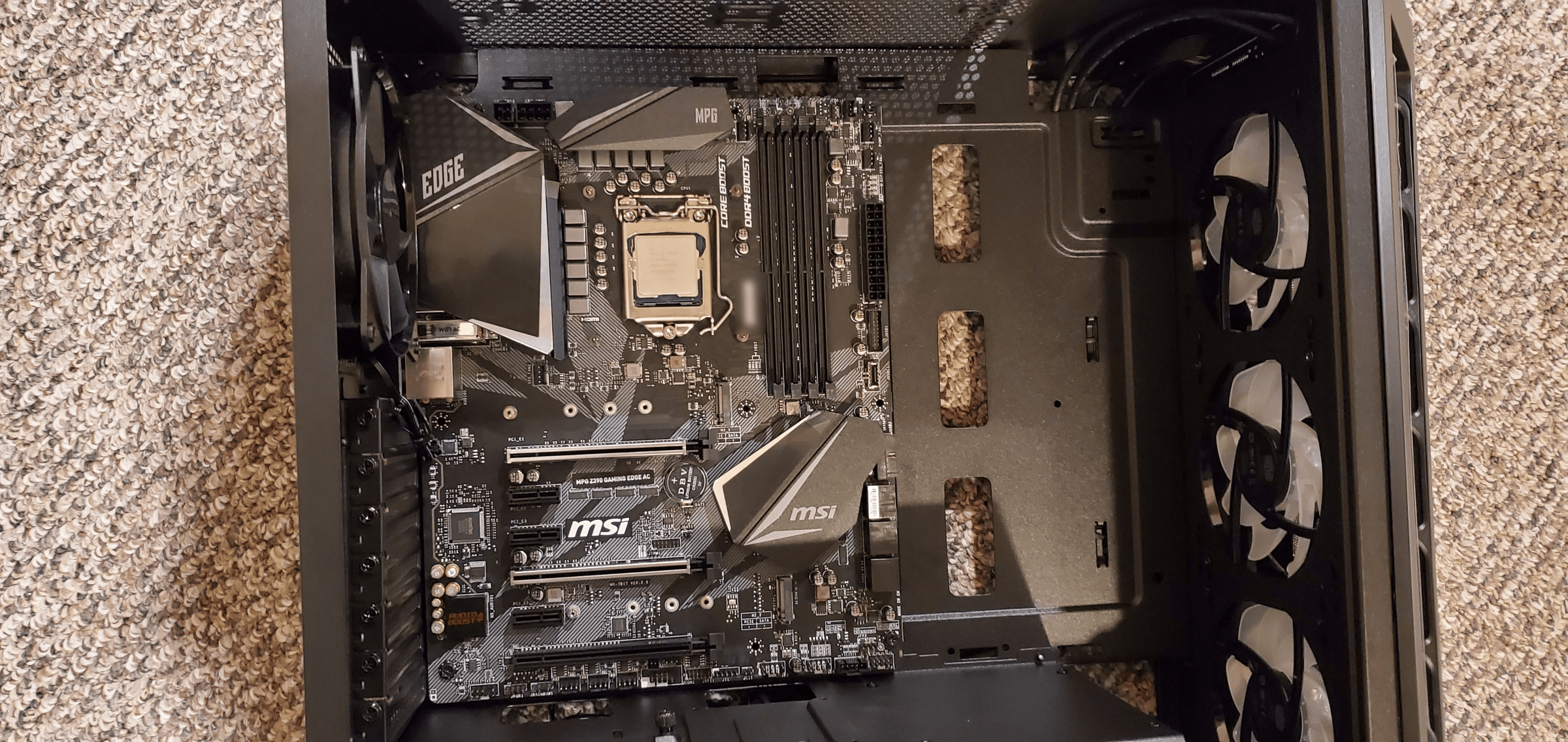
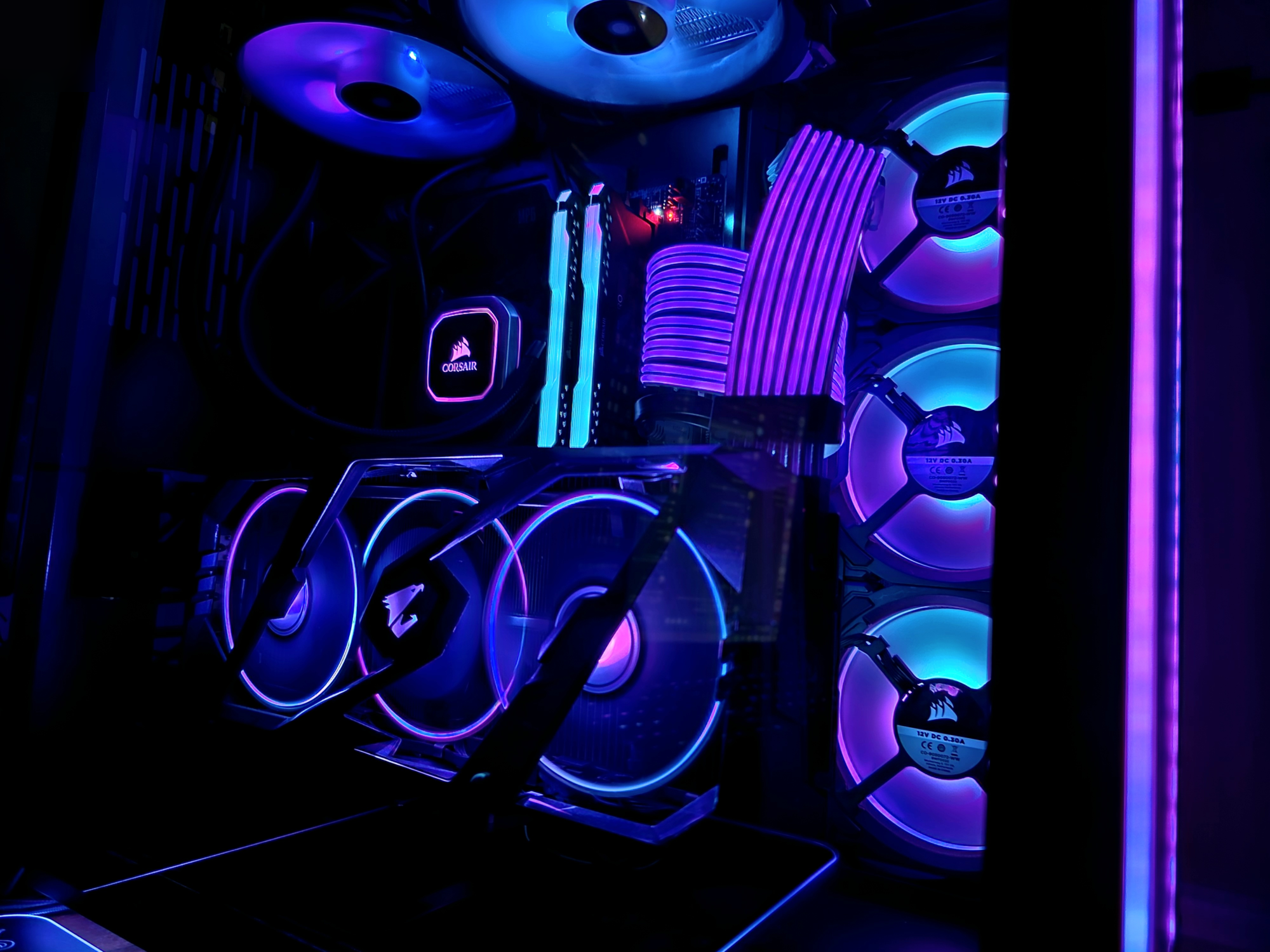
Intel Core i7-9700KF seated in the socket before the cooler went on.Migrated full-ATX build into a larger high-airflow chassis to improve thermal headroom and cable routing.The finished build, powered on with the side panel off.
PC AssemblyGPUsPower Supplies
NVMe M.2 Storage Migration
Installed a Samsung 990 Pro 2TB NVMe drive, completed a fresh Windows 11 installation, and used multi-threaded Robocopy commands to move data quickly between local drives.
I checked that firmware detected the new drive, set the boot order, updated storage drivers and confirmed the data had arrived before relying on the new setup.
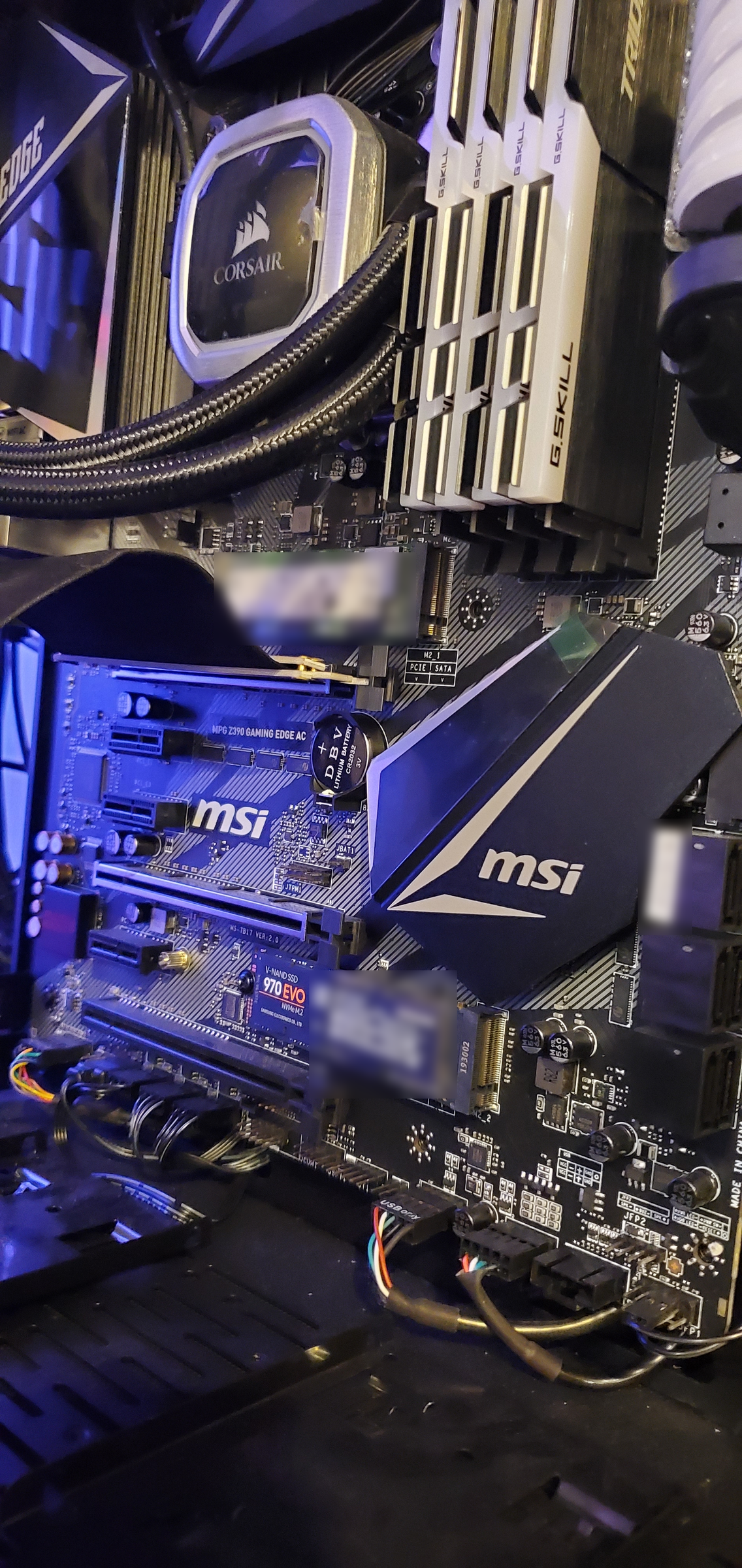
The system board in my build: M.2 NVMe storage, the CMOS battery and front-panel headers.
NVMeWindows 11Robocopy
GPU, Memory and Power Supply Upgrades
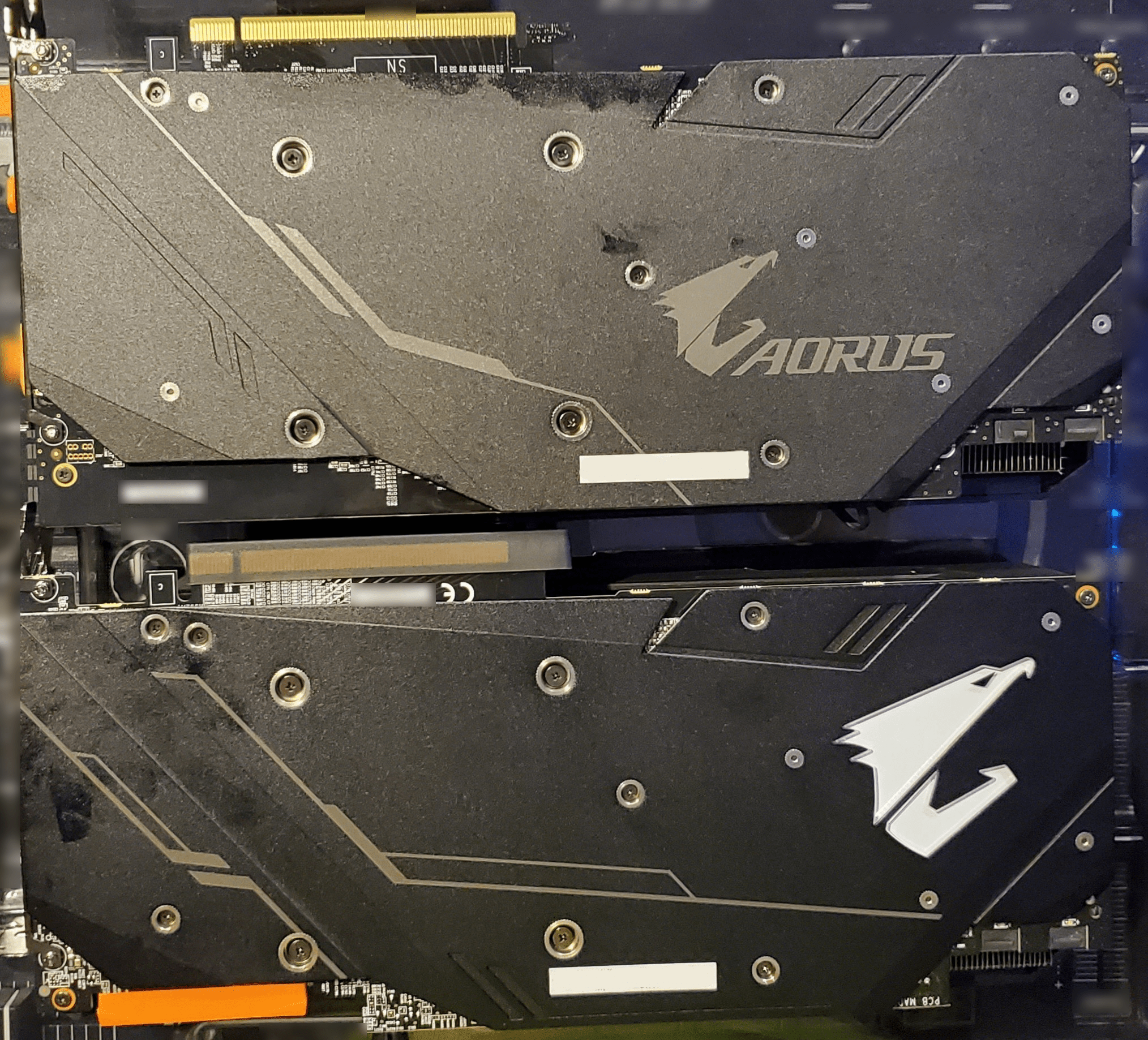
Upgraded a custom full-ATX workstation from an RTX 2060 Super to an RTX 2080 Ti, expanded system memory (DDR4), and installed a higher-wattage modular power supply to support increased power draw, verifying thermal stability and clean driver installation.
The two graphics cards side by side during the upgrade.
RTX 2080 TiDDR4Modular PSU
Firmware and Stability Diagnosis
Configured BIOS/UEFI firmware settings, updated storage and display drivers, and tracked down hardware stability problems, including faulty RAM and boot errors.
Intermittent faults take patience. I change one thing at a time, test memory modules individually, and keep going until the problem can be reproduced and then proven fixed.
BIOS/UEFIDriversFault Isolation
Laptop and Chromebook Battery Replacements
Opened laptops and Chromebooks to replace worn batteries, working carefully around tight internal layouts, thin ribbon cables and plastic clips.
These repairs bring an older device back into useful service, and the same care applies to the laptop triage and repairs I handle at work.
LaptopsChromebooksBatteries
SSD Conversions and Upgrades
Upgraded older systems from hard drives to solid state storage, then reinstalled or moved the operating system and checked that everything was running correctly.
A storage upgrade is one of the most noticeable improvements for an aging computer, and it is good practice in planning around data, drivers and boot settings.
SSDUpgradesOS Install
Home Network Router Configuration
Set up and configured a home network router, including wireless settings and connectivity checks for the devices that rely on it.
It is a small-scale project, but it gives me hands-on practice with the IP addressing and Wi-Fi troubleshooting skills I use alongside hardware work.